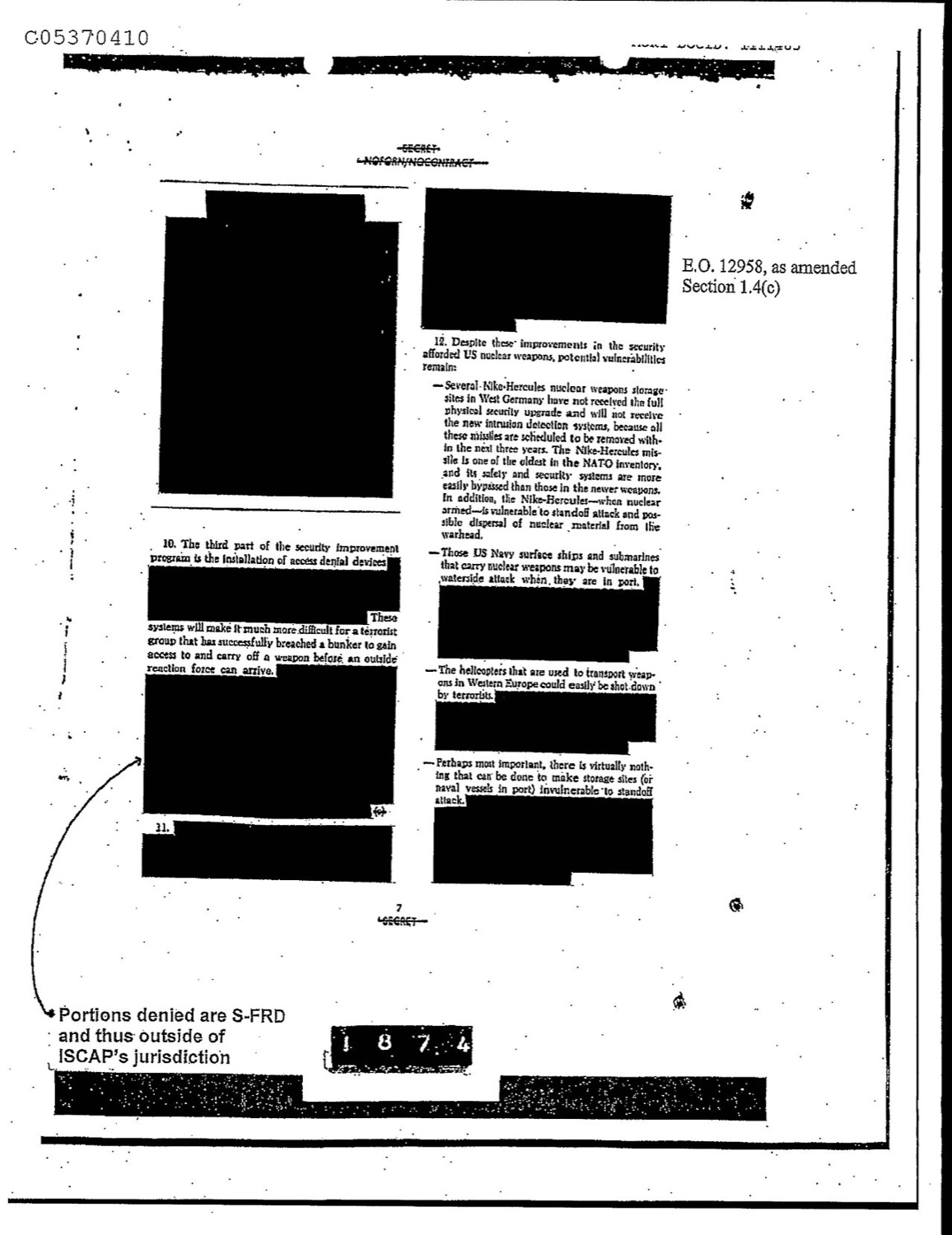
Every few months a court filing, a government report or a corporate document is published with black bars over the sensitive parts, and within hours someone discovers that the hidden text can be copied and pasted straight out of the file. It happened to lawyers in a high-profile US case in 2019, and it keeps happening because the mistake is so easy to make.
The basic problem
A PDF is made of layers. When you draw a black rectangle over a paragraph, you add a new object on top of the text; the text itself is still in the file. Anyone can select it, search for it or extract it with free tools. The same is true of highlighting text in black in a word processor, placing an image over it or setting the font colour to match a dark background.
Other ways redaction leaks
- Length and layout. A redacted name that is exactly seven characters long in a monospaced font narrows the possibilities quickly.
- Search indexes. Some PDFs carry a separate text layer for search, generated by optical character recognition. Redacting the visible page does not always clean this layer.
- Earlier versions. PDFs can be saved incrementally, keeping older versions of a page inside the same file.
- Metadata and bookmarks. Titles, bookmarks and attachment names may repeat the very words that were blacked out.
- Context. If a document says “the chief executive, [redacted], said”, the redaction protects very little.
How to redact properly
Use a tool that has a real redaction function, one that deletes the underlying content and then applies the black box. Professional PDF editors call this “apply redactions” and usually ask you to confirm, because the change is permanent. After applying, run the program’s “sanitize” or “remove hidden information” option as well.
For very sensitive material, the safest route is still the oldest one: print the redacted document, check it on paper, and scan it back in as an image. You lose searchable text, but you also lose anything that might be hiding beneath the surface.
Check your work
Before publishing, try to break your own redaction. Select all the text and paste it into a plain text editor. Search for a word you know was removed. Open the file in a second program. If any of those steps reveals the hidden content, start again.
Regulators deal with this constantly. Gaming commissions, for example, publish enforcement decisions in which customer names, staff details and commercial terms are blacked out, and they rely on exactly these techniques to keep them hidden. If you are curious how those documents are built and read, our piece on redacted gambling regulator notices goes into the detail.